 RM Trading Lab
Core tool Step: Practice & test
Expert Advisor for MetaTrader 5
RM Simulator
Practice on your broker's real ticks; the future is not on the chart.
Prices, free demo and reviews are on the MQL5 Market page.
Key features
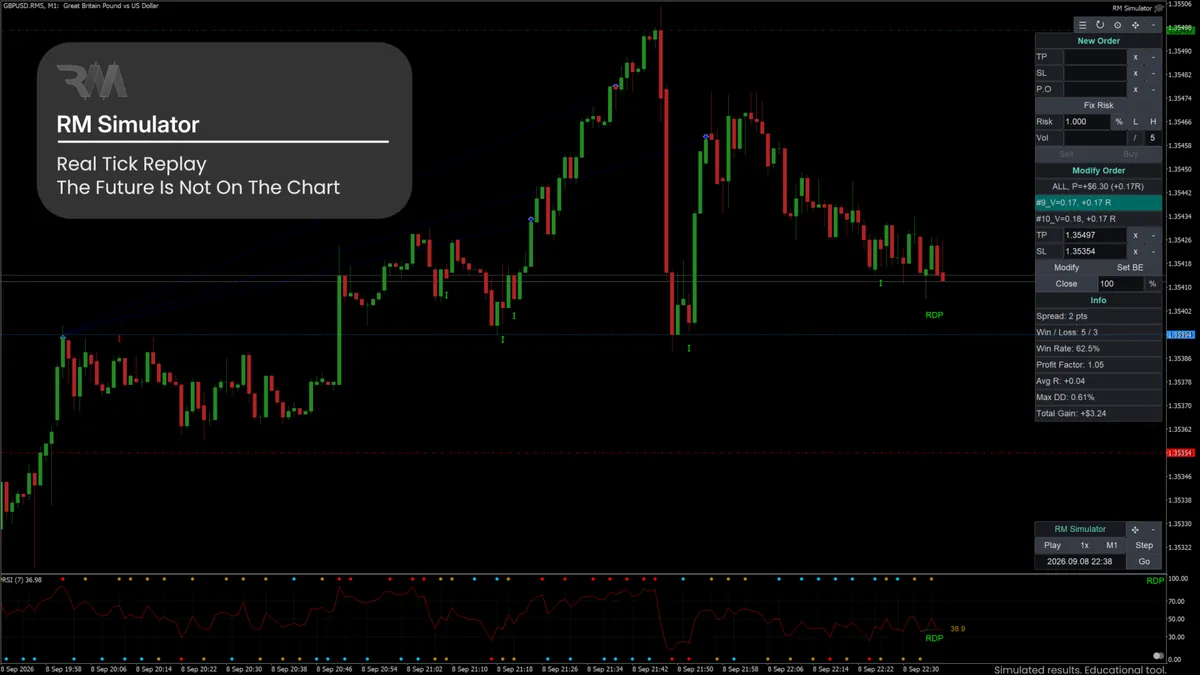
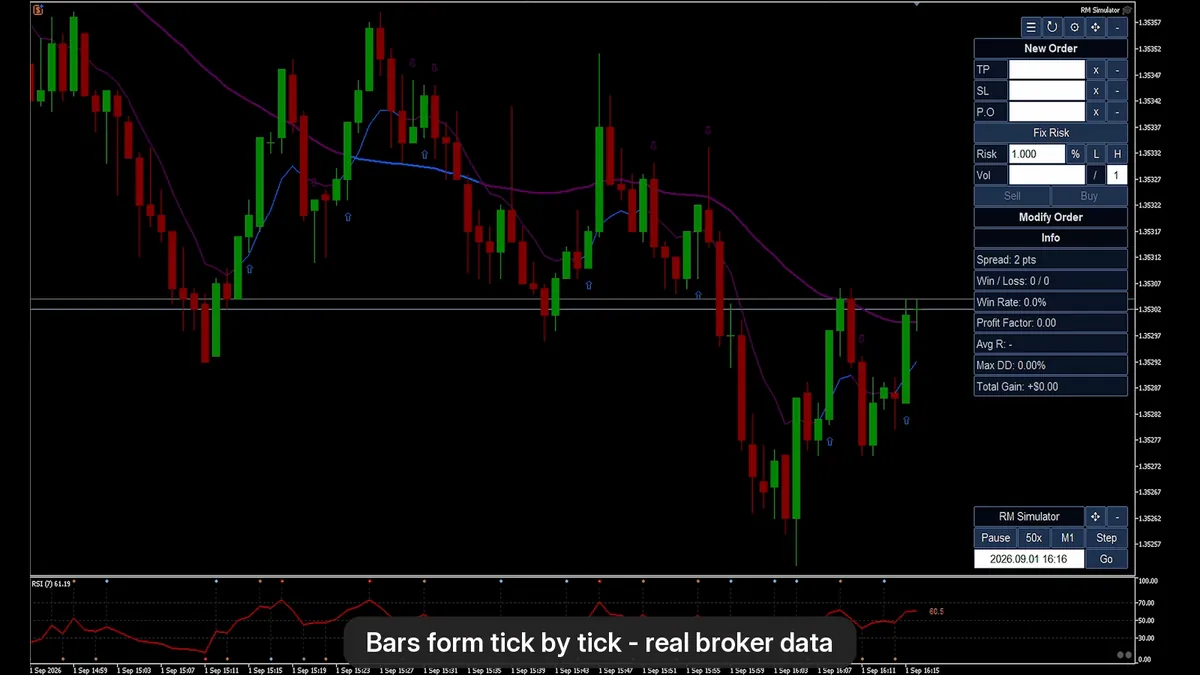
- Real tick replay. A copy of the symbol is fed with your broker's real historical ticks. Bars form tick by tick, with real spread and gaps.
- Your own chart setup. Indicators, templates and drawings work as on a normal chart, and several timeframes can show the same moment.
- Replay control. Play and pause, speeds from 1x to Max, step one candle, jump to any time, and resume named sessions later.
- Go back in time. Return to any earlier moment or to a trade's entry; chart data, orders, balance, statistics and drawdown are rebuilt.
- Virtual trading on real Bid/Ask. Market and pending orders, risk-based position size, split orders, break even and partial close, with commission and swap simulated.
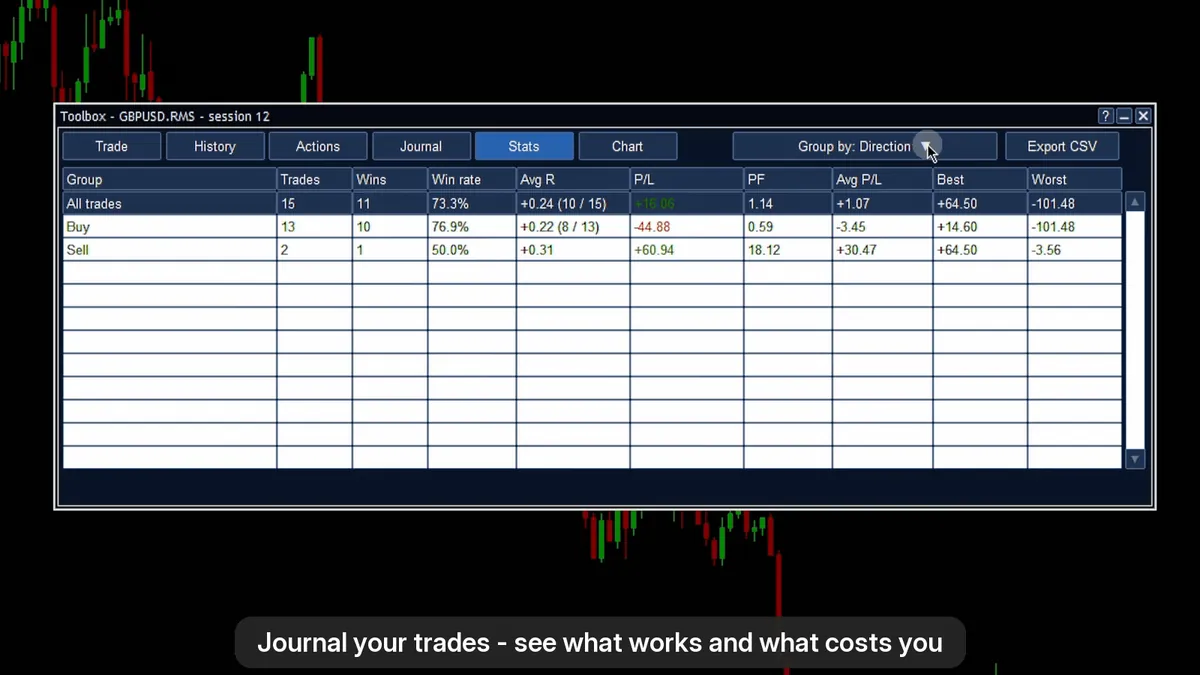
- Journal and statistics. Record strategy, setup, emotion and mistake for each trade, group statistics by any field, and see results in R and money. Drawdown rules like a funded-account challenge.
Good to know
- A manual practice tool: it does not run Expert Advisors, and it does not run in the Strategy Tester (there it only shows its panels).
- Desktop MetaTrader 5 for Windows (build 6230 or newer). MetaTrader 4 is not supported.
- The symbol needs M1 and tick history on your broker's server; the data quality is your broker's tick data.
- Swap uses today's rates. Accounts in non-USD currencies and stocks are not tested yet.
- A simulation is not live trading; its results say nothing about future results.
- The interface is in English.
Screenshots
Get RM Simulator
Available on the MQL5 Market and installed straight into MetaTrader 5.
Works well with
Practice it in RM Simulator, trade it with RM Trade Manager: the same order ideas, R multiples and statistics on your live or demo account.